




Rodeoslot App
The Rodeoslot app gives users a mobile-adapted way to access the platform on different devices. It provides entry to the same account environment as the desktop version and keeps core features consistent, including game access, payments, and profile management.
In the mobile format of the Rodeoslot casino, the interface adjusts to smaller screens while maintaining a clear structure and stable navigation. Online slots and other game categories load in a layout designed for touch control, and sessions remain synchronized when switching between devices. The Rodeo Slot app supports secure transactions and preserves full account functionality, offering a streamlined extension of the main platform for players who prefer using a phone or tablet.



Key Features of the Rodeoslot Mobile Casino
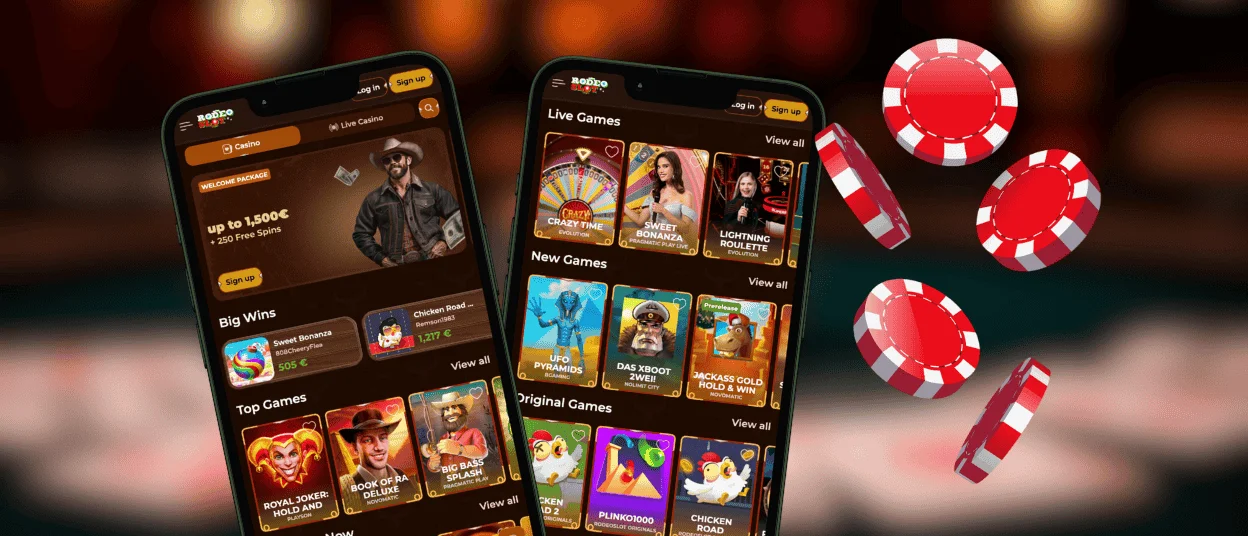
The Rodeo Slot mobile casino provides access to the same core functions available on desktop, including game categories, payments, and account tools. The interface adapts to mobile screens so players can move between sections, launch games, and manage their activity without additional steps.
Daily tasks such as browsing the lobby, checking promotions, or continuing an active session remain straightforward, and navigation is arranged to keep essential elements visible on smaller displays.
| Feature | Description |
| Game Library | Access to online slots, live casino, and table games |
| Adaptive Layout | Automatic adjustment to portrait or landscape mode |
| Payments | Deposits and withdrawals through the same cashier tools |
| Account Sync | Shared balance, history, and settings |
| Favorites | Ability to save selected games for quicker access |
| Performance | Lightweight interface designed to load core sections quickly |
The mobile version maintains a consistent structure with the desktop site, making it practical for short sessions or for managing an account when a PC is not available.
Rodeoslot Mobile Application for Android
Android users can access the Rodeoslot app through a progressive web application (PWA) available directly on our official website. This approach removes the need for an APK file or Play Store installation while keeping the interface stable and consistent across modern Android devices. The setup takes less than a minute and does not require additional permissions.
The PWA integrates with your browser and loads the mobile version of the casino in a focused view, allowing quick access to games, payments, and account tools without opening a full browser session.
Download the App
- Open the official Rodeo Slot casino website in Chrome or any modern Android browser.
- Tap the browser menu and navigate to the option offering the mobile app.
- When prompted, select “Add to Home screen.”
- Confirm the action to create a dedicated Rodeoslot app shortcut.
Once added, the icon appears on your home screen and launches the full mobile interface with a single tap, keeping your balance and settings automatically synced across devices.
Rodeo Slot Casino Application for iOS
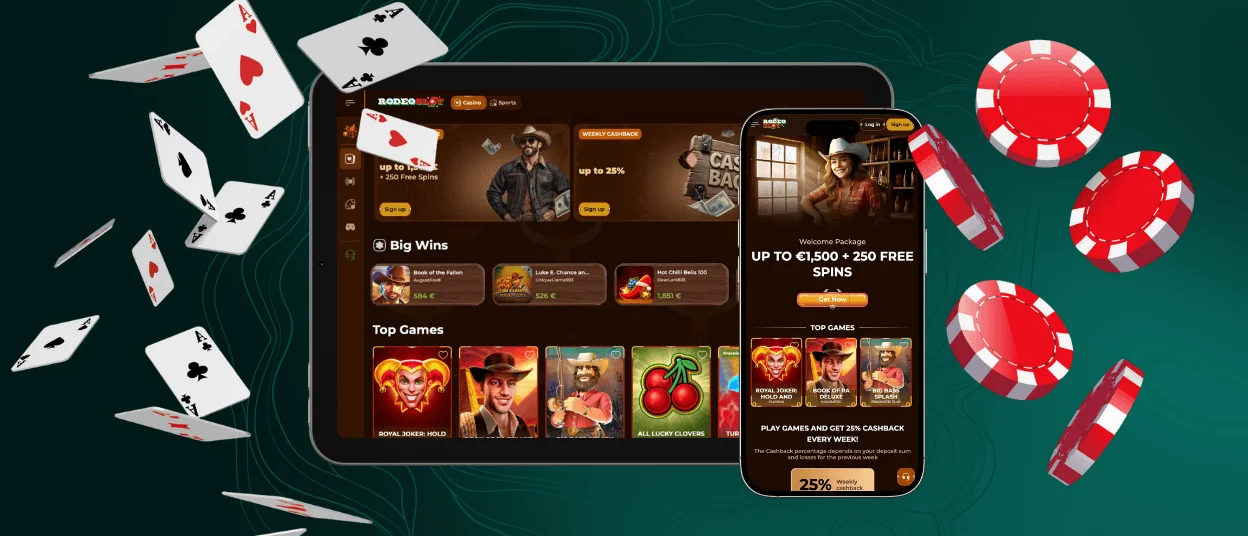
On iPhone and iPad, the Rodeoslot app works through Safari using progressive web application technology. This approach removes the need for an App Store download and allows the casino to launch in a focused, app-style window. The interface adjusts to different screen sizes so players can open games, manage payments, and use account tools in a clear, touch-friendly layout.
The mobile structure mirrors the core desktop functions, and sessions remain synchronised across devices. Whether using a compact iPhone display or a larger iPad, navigation, game tiles, and cashier tools adapt automatically for steady performance.
Install the App on iOS
- Open Safari and visit the official Rodeoslot casino website.
- Tap the Share button in the browser menu.
- Select “Add to Home Screen.”
- Confirm the name and tap Add to complete the setup.
After installation, the Rodeo Slot app appears on your home screen and opens in a separate window without browser elements. This provides a faster entry point into the casino and keeps account settings, balance, and recent activity easily accessible.
Rodeoslot Casino Application for Windows/macOS
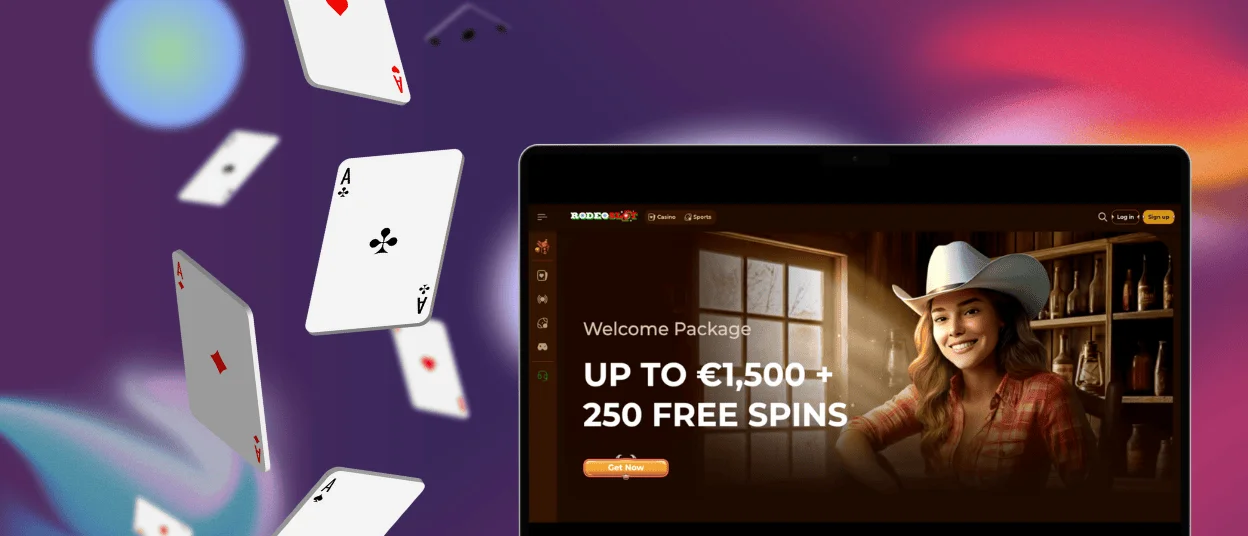
Users on Windows and macOS can access Rodeo Slot through any modern browser such as Chrome, Safari, Firefox, or Edge. The desktop layout adapts to larger screens, providing clear navigation across game categories, account tools, and payment sections, while keeping the interface stable during longer sessions on laptops or external monitors.
The platform updates automatically, so new games, interface improvements, and functional changes appear immediately when you open the site. This ensures that desktop users always interact with the current version of Rodeoslot casino without additional steps.
To create a quick-access shortcut, open the official Rodeo Slot casino website and use the bookmarking or shortcut tools available in your browser. Windows users can drag the URL directly to the desktop to create an icon, while macOS users can add the site to the Dock. This offers a simple way to launch the casino in a dedicated window whenever you want to continue playing.
Frequently Asked Questions (FAQs)
Does the Rodeoslot app require an internet connection to play online slots and live games?
The Rodeoslot app relies on an active internet connection because all games — including online slots, live casino titles, and account features — run on secure remote servers. A stable connection ensures that gameplay, payments, and session data sync correctly across devices. While loading requirements vary by game type, a standard mobile network or Wi-Fi connection is sufficient for smooth performance.
Can I use the same Rodeoslot account on multiple mobile devices simultaneously?
One Rodeoslot account can be accessed from different devices, and your balance, settings, and gaming history stay synced as soon as you log in. This allows you to move between phone, tablet, and desktop without losing progress.
Simultaneous logins may be limited by security protocols. If unusual activity is detected, Rodeoslot casino may request re-authentication to keep the account protected.
Can I enable push notifications for updates or account events in the Rodeoslot app?
Push-style notifications can be enabled through your mobile browser after installing the Rodeoslot app shortcut. When allowed, the system delivers updates about account activity, new features, or relevant promotions directly through the device’s notification tools. These alerts are optional and can be adjusted or disabled at any time in the browser or device settings.
Does the Rodeoslot app support biometric login such as Face ID or fingerprint?
Biometric login is supported through the authentication tools built into your mobile browser. Once your Rodeoslot casino credentials are saved in the browser’s secure password manager, the system can prompt for Face ID, Touch ID, or fingerprint verification before filling in your login details. This creates a fast and protected entry point without storing sensitive information in the app shortcut itself.
On devices where biometric tools are not available or disabled, standard password login remains accessible at all times.
How can I reinstall the Rodeoslot app if I delete the shortcut from my home screen?
Reinstallation simply requires opening the official Rodeo Slots casino site in your mobile browser and selecting the “Add to Home Screen” option again. The device will recreate the shortcut instantly, and you can continue using the app-style interface without reinstalling or redownloading anything.


